
How to Check a Home Builder's Reputation in Ontario: A Step-by-Step HCRA and Tarion Guide
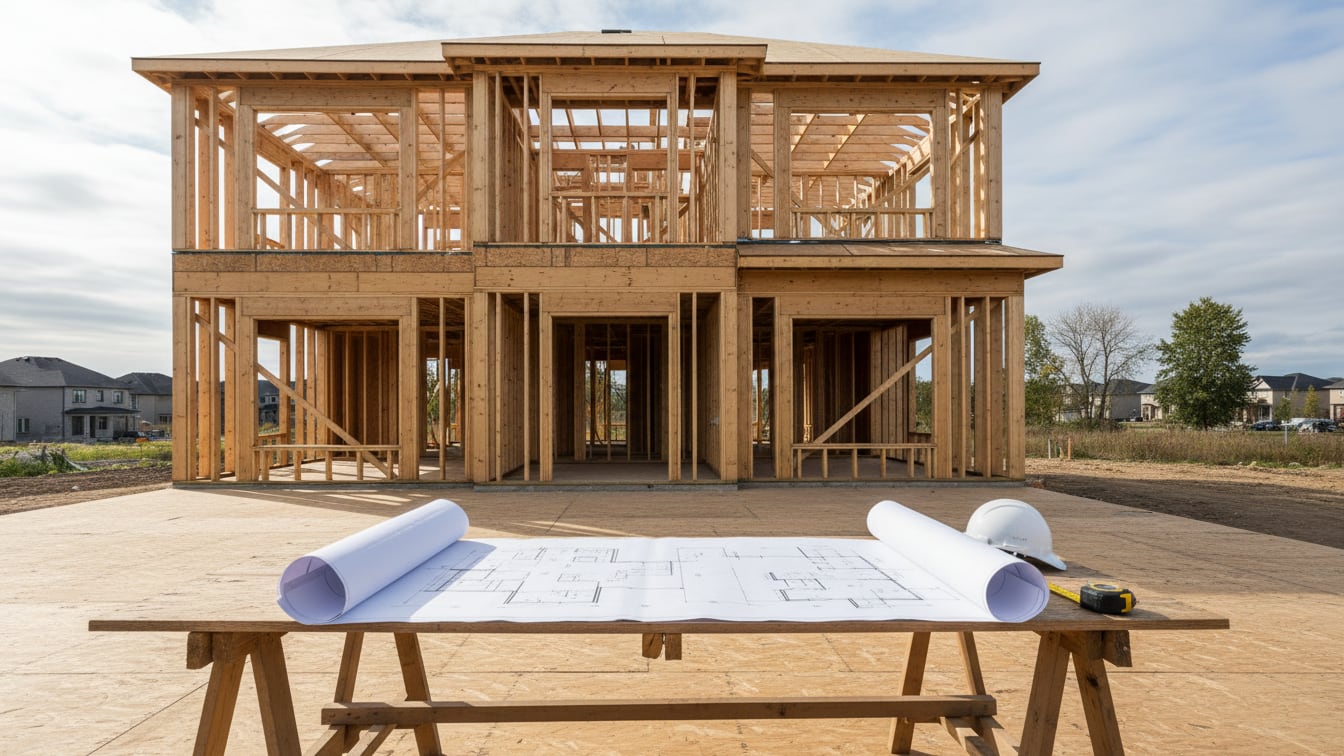
Buying a new home or a pre-construction townhouse in York Region means making a large, long commitment to a company you may know only from a sales centre and a rendering. Online reviews are thin and easy to game. Fortunately, Ontario has a public, official record that most buyers never open: the Home Construction Regulatory Authority's Ontario Builder Directory. This guide is a practical, step-by-step way to use it, plus Tarion warranty data, to judge a builder before you sign.
We have written before about evaluating builder quality in the GTA by looking at finishes and past projects. This post is the procedural companion: the official checks you can complete from your couch in about half an hour.
Who regulates builders in Ontario
Since February 2021, two organizations share the job:
- HCRA (Home Construction Regulatory Authority) licenses new home builders and vendors and regulates their conduct. Every builder and seller of new homes in Ontario must hold an HCRA licence (HCRA Ontario Builder Directory (accessed Oct 2026)).
- Tarion administers the mandatory new home warranty program that backs builders' warranties, generally for up to seven years after possession (Tarion, warranty coverage (accessed Oct 2026)).
The Ontario Builder Directory, hosted by HCRA, brings both sides together: licensing and enforcement from HCRA and warranty claims data from Tarion.
Step 1: Confirm the exact legal entity and licence
Large builders often sign each project through a numbered or project-specific company. Look at the vendor name on the agreement of purchase and sale (not the marketing brand), then search it in the directory. Check that:
- the licence status is active, with no conditions attached;
- the entity on your agreement matches the licensed vendor and builder;
- the listed officers and directors are who you expect. You can search by director name to see their other companies.
HCRA states plainly that a builder that is not listed may be operating without a licence, which is illegal in Ontario. Do not proceed with an unlicensed builder.
Step 2: Read the track record numbers
Each profile shows years of activity and the number of homes enrolled or built. Context matters. A first project by a new entity is not automatically a problem, but you should then search the directors and any parent company to see the real history. A builder with hundreds of completed homes gives you more data to judge.
Step 3: Open the enforcement tabs
On the left side of a builder profile are tabs for Notices and Orders, Disciplinary Activities and Court Charges and/or Convictions (HCRA, Your guide to the Ontario Builder Directory (Jul 17, 2025)). HCRA also added a consolidated search for regulatory actions. Look for:
- compliance orders, conditions on a licence, administrative penalties, notices of proposal to refuse or revoke a licence;
- Discipline Committee findings about conduct (for example, misrepresentation or pressure tactics);
- charges or convictions under the New Home Construction Licensing Act or the Ontario New Home Warranties Plan Act, such as building without a licence or failing to enrol a home with Tarion.
One old, resolved item in a long history is different from a recent pattern. Note dates and outcomes, and ask the builder directly about anything you find.
Step 4: Study the Tarion warranty overview
Each builder profile includes a Tarion Warranty Overview with claims data provided by Tarion, and a Properties tab showing claims tied to specific homes (HCRA, Your guide to the Ontario Builder Directory (Jul 17, 2025)). Two things are worth looking at:
- Whether Tarion has had to pay claims on the builder's behalf. Tarion pays when a builder does not fix a covered defect itself. Repeated payouts suggest the builder is slow or unwilling to honour warranty work.
- Claims relative to size. Ten claims across 2,000 homes reads very differently from ten claims across 40 homes.
Also note any insolvency flag. The directory lets you filter by insolvency status.
Step 5: Check a specific home's warranty (for resale buyers)
Buying a resale home under seven years old? Use the "Confirm Your Home's Warranty" search on the directory homepage with the address. Tarion coverage transfers to new owners, and the standard structure is one year for workmanship and materials, two years for items such as water penetration and building systems, and seven years for major structural defects (Tarion, warranty coverage (accessed Oct 2026)). Knowing what is left can change how you write conditions in your offer.
Step 6: Go beyond the database
The directory tells you about the regulator's view. Round it out with on-the-ground checks:
- Visit a completed project from the same builder that is two to five years old. Look at caulking, grading, brickwork and how the common areas or streetscape have aged.
- Talk to owners. Ask how warranty requests (the 30-day and year-end forms) were handled and how long repairs took.
- Read the agreement's schedules with a real estate lawyer, especially adjustments, delay clauses and caps on development charges. For a new condominium, the Condominium Act gives you a ten-day rescission (cooling-off) period after you receive the signed agreement and disclosure statement; a new freehold home has no statutory cooling-off period, so get the legal review done before you sign or make the offer conditional on it.
- Check the municipality. Richmond Hill, Markham and Vaughan publish planning applications; a project whose approvals are still pending carries more timing risk.
Red flags worth walking away over
- The vendor entity is not licensed or its licence has conditions you cannot get explained.
- Recent charges for failing to enrol homes with Tarion. That can leave buyers without warranty protection.
- A pattern of Tarion-paid claims or Discipline Committee findings.
- Pressure to sign before your lawyer has read the agreement, or reluctance to put verbal promises in writing.
If the builder passes these checks, you can move on to comparing product. Our condo vs freehold in the GTA post helps with the next decision, and the FAQ page answers common buying-process questions.
Frequently asked questions
Where can I check if an Ontario builder is licensed?
Search the builder's legal name in the HCRA Ontario Builder Directory at obd.hcraontario.ca. Every new home builder and vendor in Ontario must be licensed by the HCRA.
Can I see complaints or charges against a builder?
Yes. Builder profiles in the directory have tabs for Notices and Orders, Disciplinary Activities, and Court Charges and/or Convictions, and HCRA offers a consolidated regulatory-actions search.
How do I see a builder's Tarion warranty history?
Each builder profile includes a Tarion Warranty Overview with claims data from Tarion, and a Properties tab that shows claims linked to specific homes.
Does the Tarion warranty transfer if I buy a resale home?
Yes. Warranty coverage stays with the home for up to seven years from the original possession date. Use the Confirm Your Home's Warranty search on the directory to check what remains.
General information only, not legal, tax or financial advice. Figures were checked against the sources linked above in October 2026 and can change; confirm your own numbers with your real estate lawyer, accountant or lender before you sign anything.
Farshad Fazaeli, Salesperson, International Realty Firm, Inc., Brokerage, 647-667-5555 · Richmond Hill, ON
Richmond Hill & GTA · International Realty Firm, Inc., Brokerage
647-667-5555 · info@melk.ca